
Four Ways to Generate a Packers and Movers Bill Online for Free
When you're relocating — especially through your company — a genuine packers and movers bill matters. Generating one for free can be a cost-effective option, and there are several dedicated invoice generators and everyday tools you can use. Here are the four easiest, most reliable ways to create a packers-and-movers bill online at no cost, each with its own trade-offs.
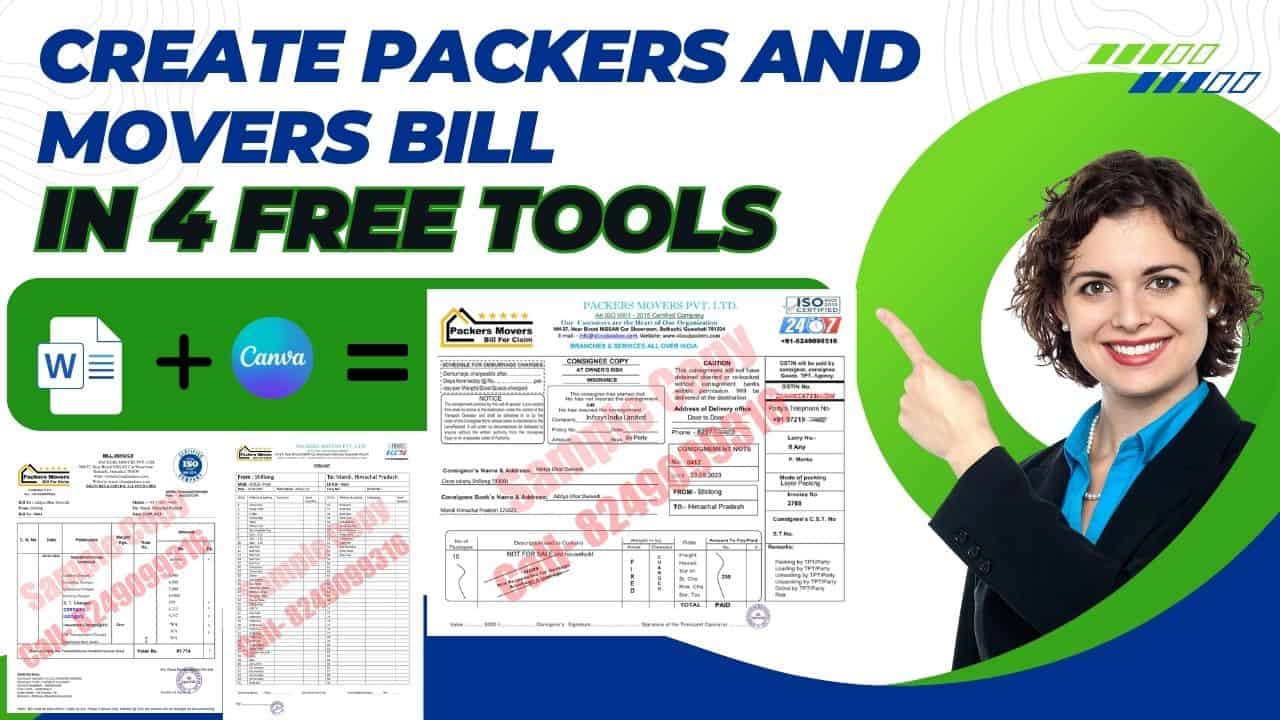
Generate your Packers and Movers bill in PDF — just fill in your requirement.
Generate Bill1. Online Invoicing Software
Free tools like QuickBooks, FreshBooks or Zoho Invoice offer specialised templates for packing and moving services — add your company details, amount, date, location and services taken, and pick the template that fits.
✅ Pros
- Beautiful, ready-made packers & movers bill designs
- Multiple options with GST invoicing built in
- Easy to keep digital records
⚠️ Cons
- Creates invoices only — no Bilty, Item List or Cash Memo
- Free tier usually carries a software watermark
- Paid version needed for deeper customisation
2. Mobile Apps
Apps like Invoice Manager, CashBook or Vyapar make it easy to generate an invoice with no watermark, colourful templates, and add-ons for your logo, signature and even a virtual stamp.
✅ Pros
- Very easy to use, typically watermark-free
- Free access to plenty of customisation options
- Easy to keep records
⚠️ Cons
- Creates invoices only — no Bilty, Item List or Cash Memo
- Multi-device sharing often needs the paid tier
- Paid version needed for deeper customisation
3. Custom Excel, Word or Google Sheets Template
Download a free invoice template from sites like invoicesimple.com or vertex42.com and customise it in Word, Excel, Sheets or Docs — look for one with proper columns for pricing, GST and description, plus space for your logo, signature and address.
✅ Pros
- Lets you create all six sets of documents
- No watermark, fully customisable fields
- Free templates widely available online
⚠️ Cons
- Can be fiddly to customise without some know-how
- Harder to achieve a fully professional look
- Tedious to keep organised records
4. Photoshop
The most involved option, but with essentially unlimited control — add columns, rows, logos and descriptions freely to produce a very polished, attractive invoice at any size you need.
✅ Pros
- Full set of 6 documents possible
- Highly professional-looking result
- No watermark, unlimited customisation
⚠️ Cons
- Steepest learning curve of the four
- Requires good working knowledge of Photoshop
- Needs dedicated software installed and maintained
Pro Tips for a Clean, Claim-Ready Bill
- Provide complete, clear information before generating any document.
- Keep the invoice number and amount consistent across every document in the set.
- Clearly specify every item being moved across all documents.
- Where possible, mention the company's contract and damage terms on the invoice.
- Calculate applicable taxes correctly in the right column.
- Save and download your final invoices in PDF format.
The Catch With Free, Self-Generated Bills
Creating your own bill online for free can run into real problems at claim time:
- Failed HR verification — a self-made invoice can be flagged as inauthentic during company checks.
- Missing a genuine GST number for the moving company.
- Missing the mover's actual company stamp.
If you need a genuine packers and movers bill for your claim, contact us on +91 82490 99316. We work with multiple verified packers and movers who can issue a genuine bill — with a real GST number and stamp — to support your reimbursement.
We Have Offices Across All Major Indian Cities
Need a genuine bill for your claim?
Talk to our team — we'll prepare a GST & ISO Certified invoice for your move.